
InboxFerry
Gallery
A closer look at the main InboxFerry workflows on macOS.
All screenshots show the Mac App Store edition of InboxFerry with synthetic demo accounts and mail. Your accounts, folders, and archive locations will look different.
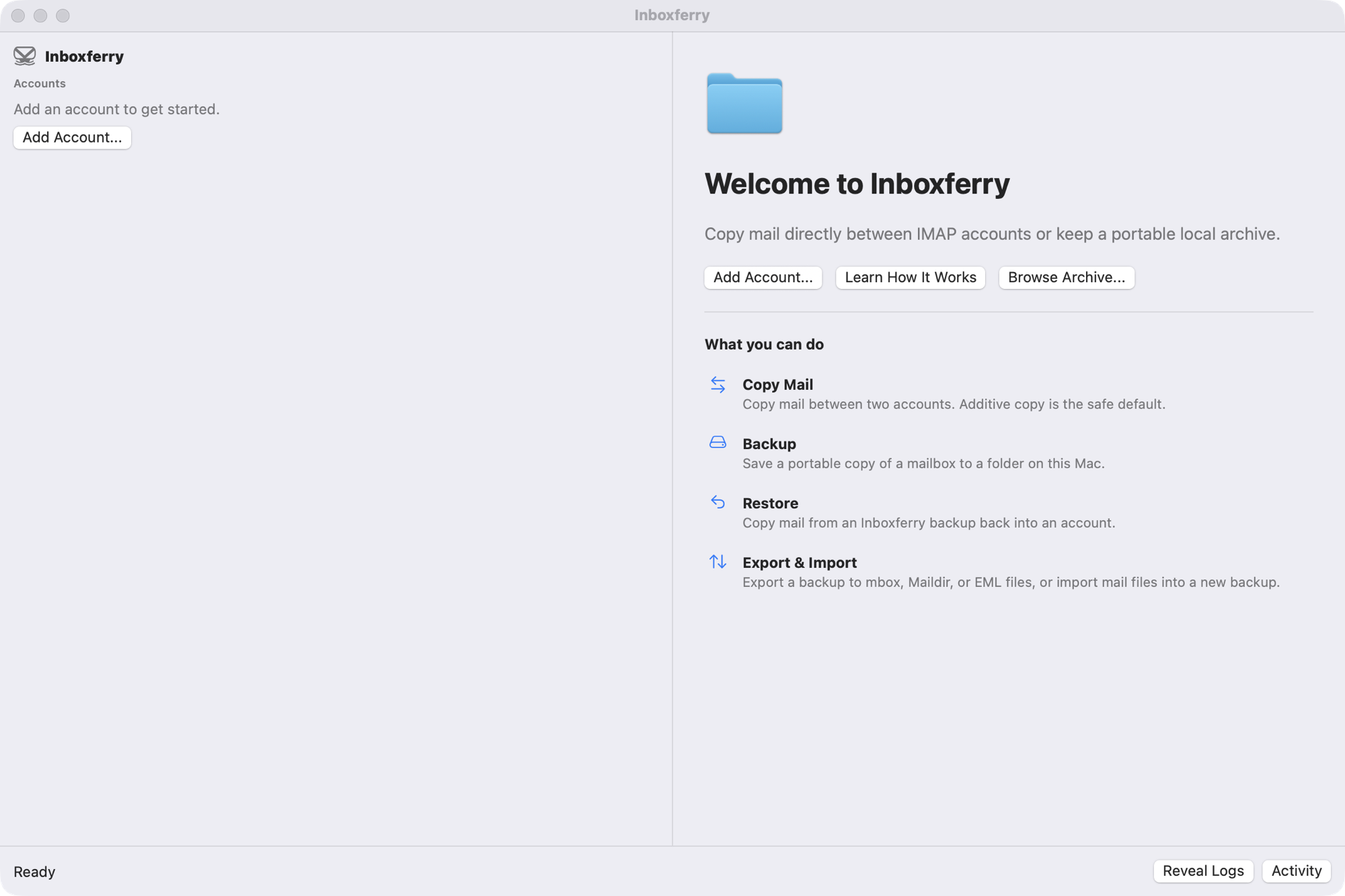
The first-run screen explains Copy Mail, Backup, Restore, and Export & Import in plain language.
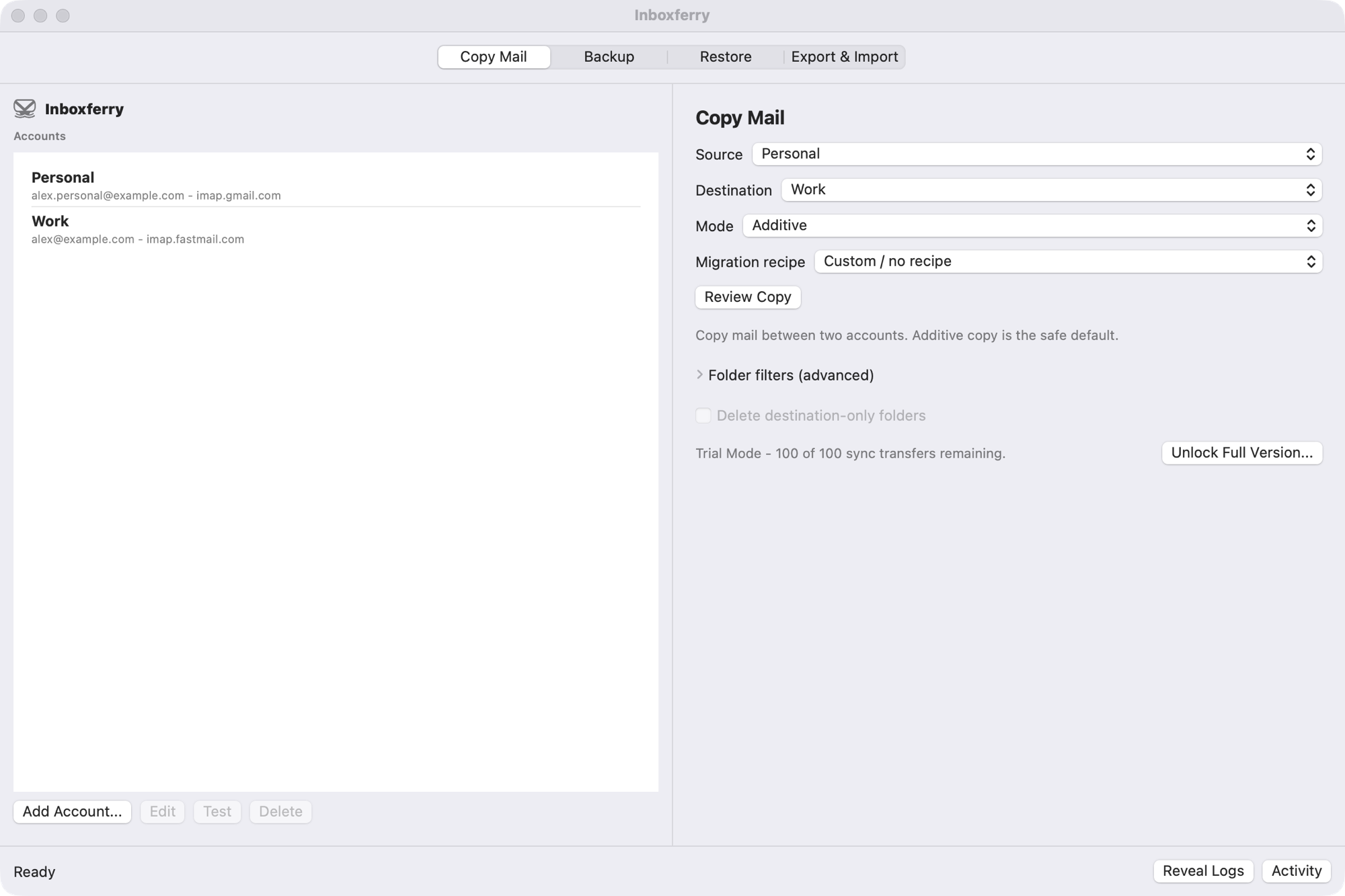
Map folders between two IMAP accounts, choose additive copy or an explicit destructive mode, and review the plan.
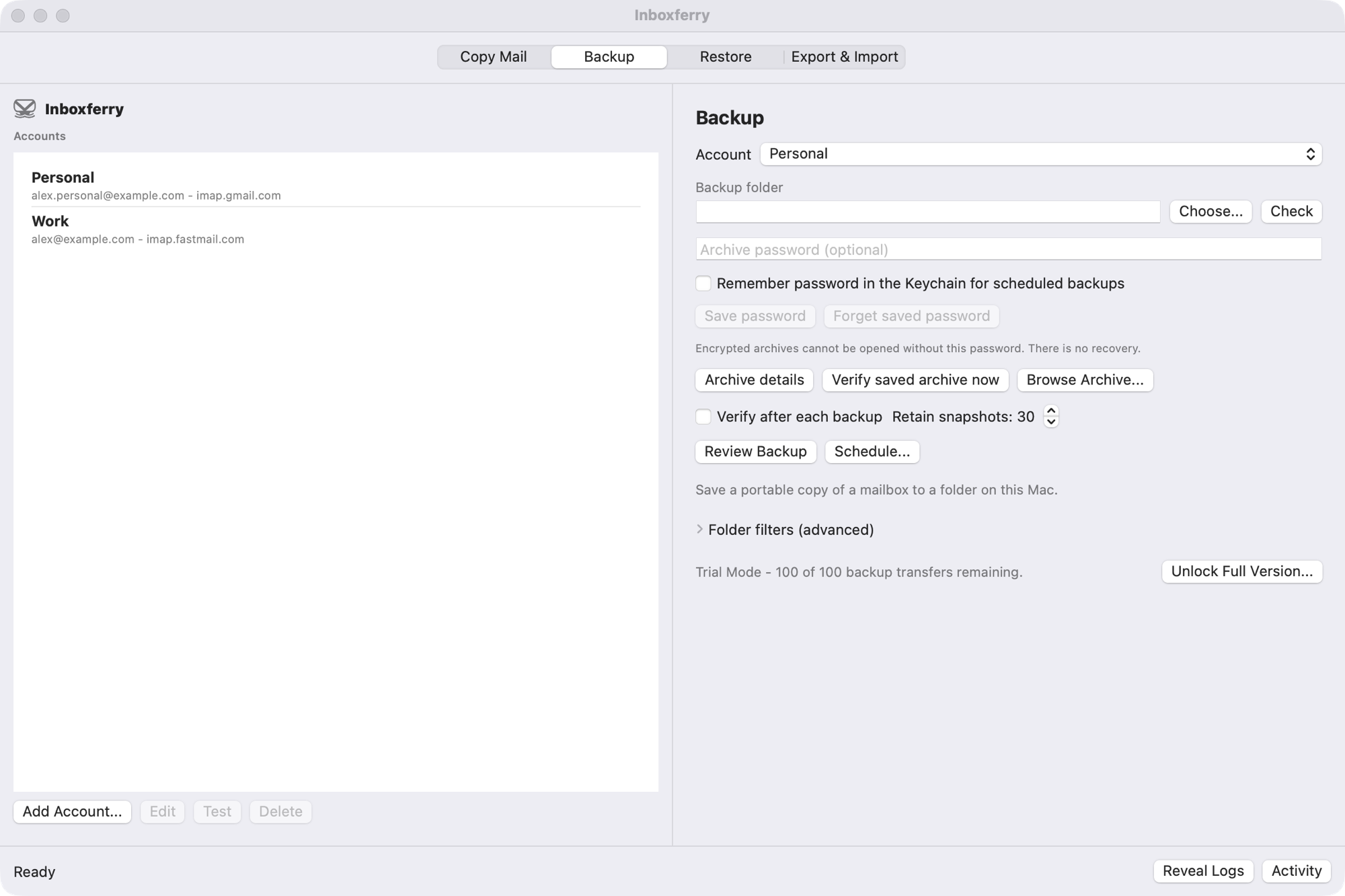
Choose an account, a destination folder, and the folders to include. The run is incremental and shows progress in a local log.
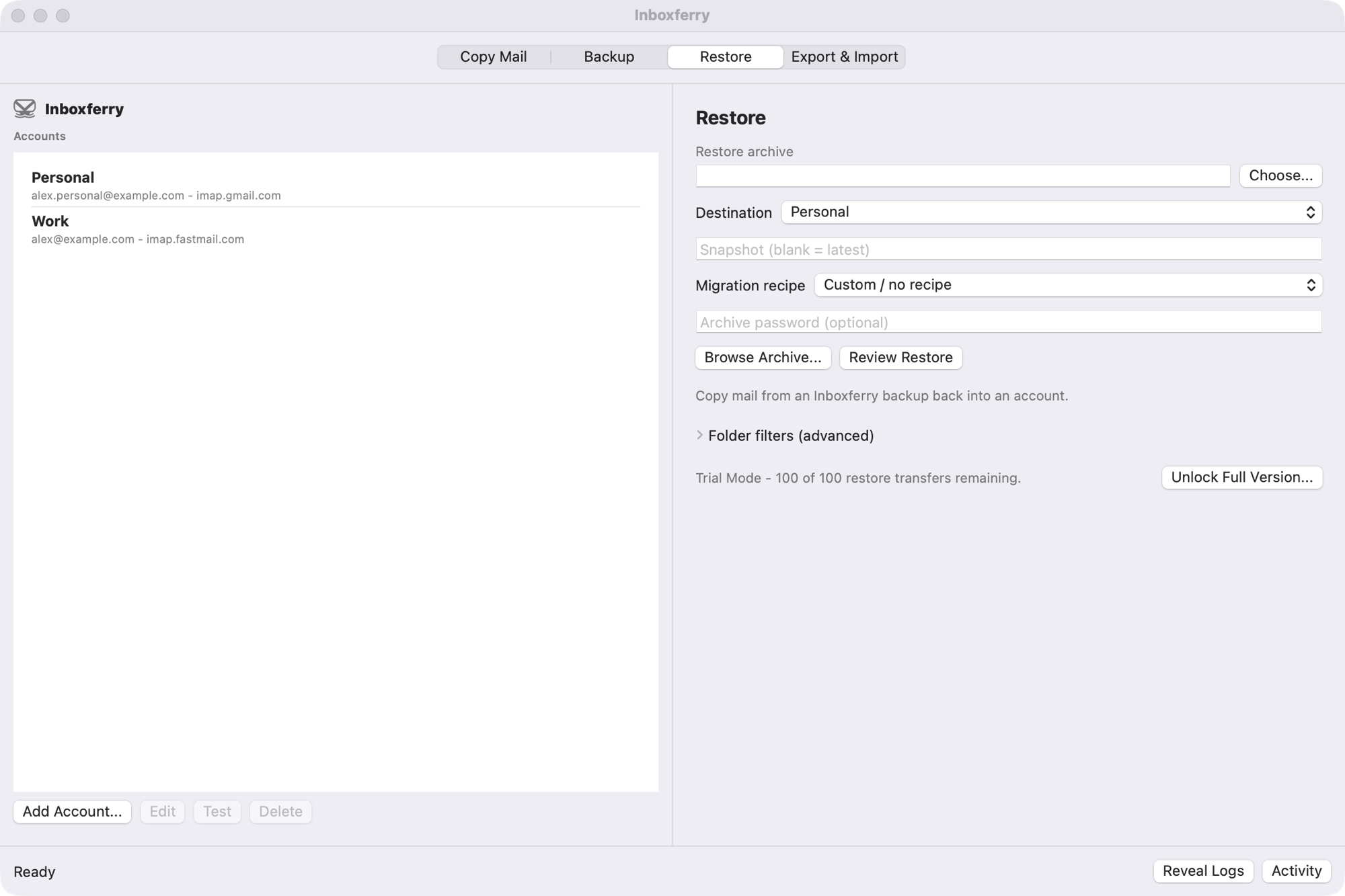
Restore a retained snapshot back into an account, additively, with folder mapping and verification.
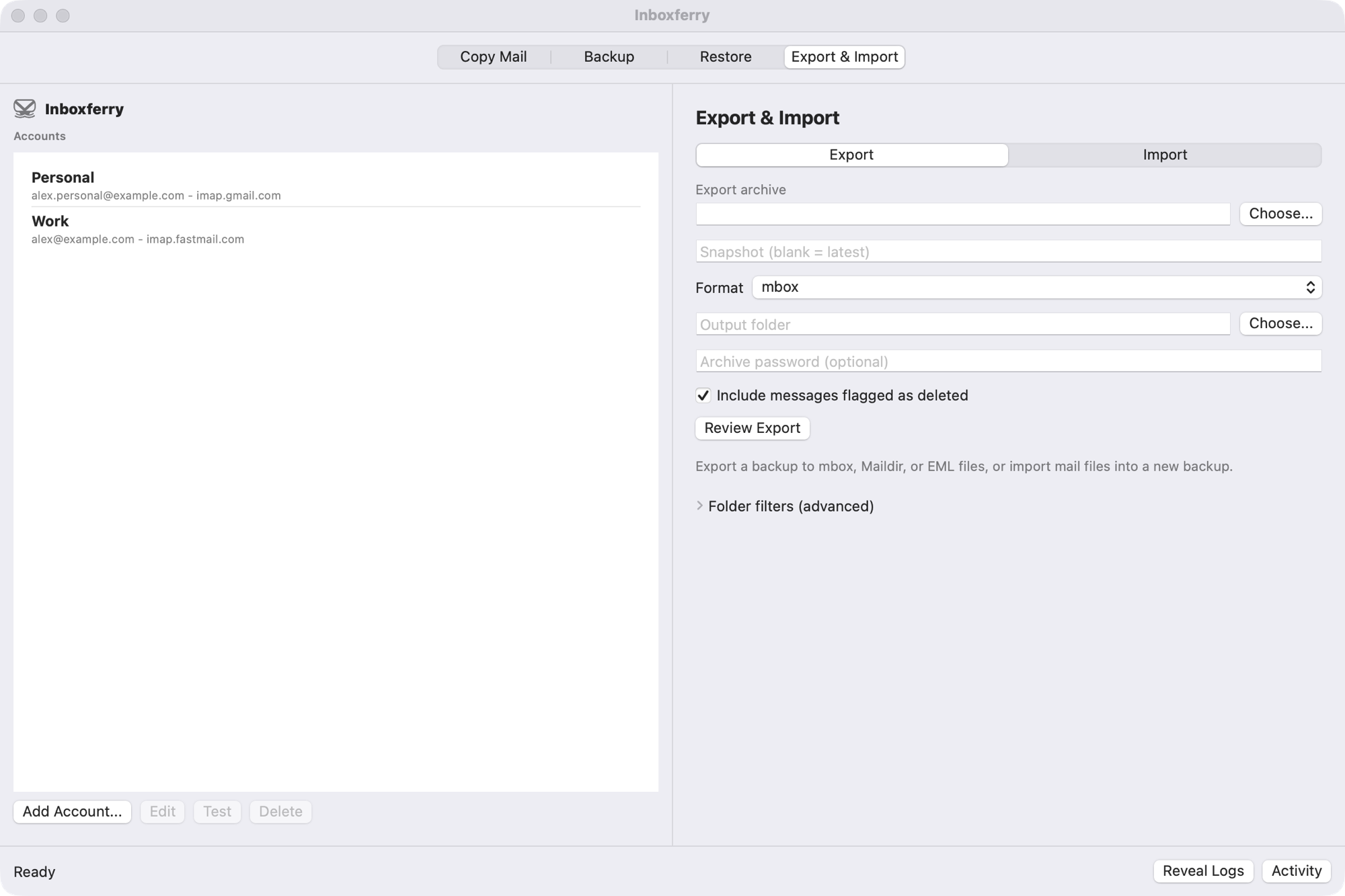
Export a backup to mbox, Maildir, or EML files, or import mail files into a new archive.
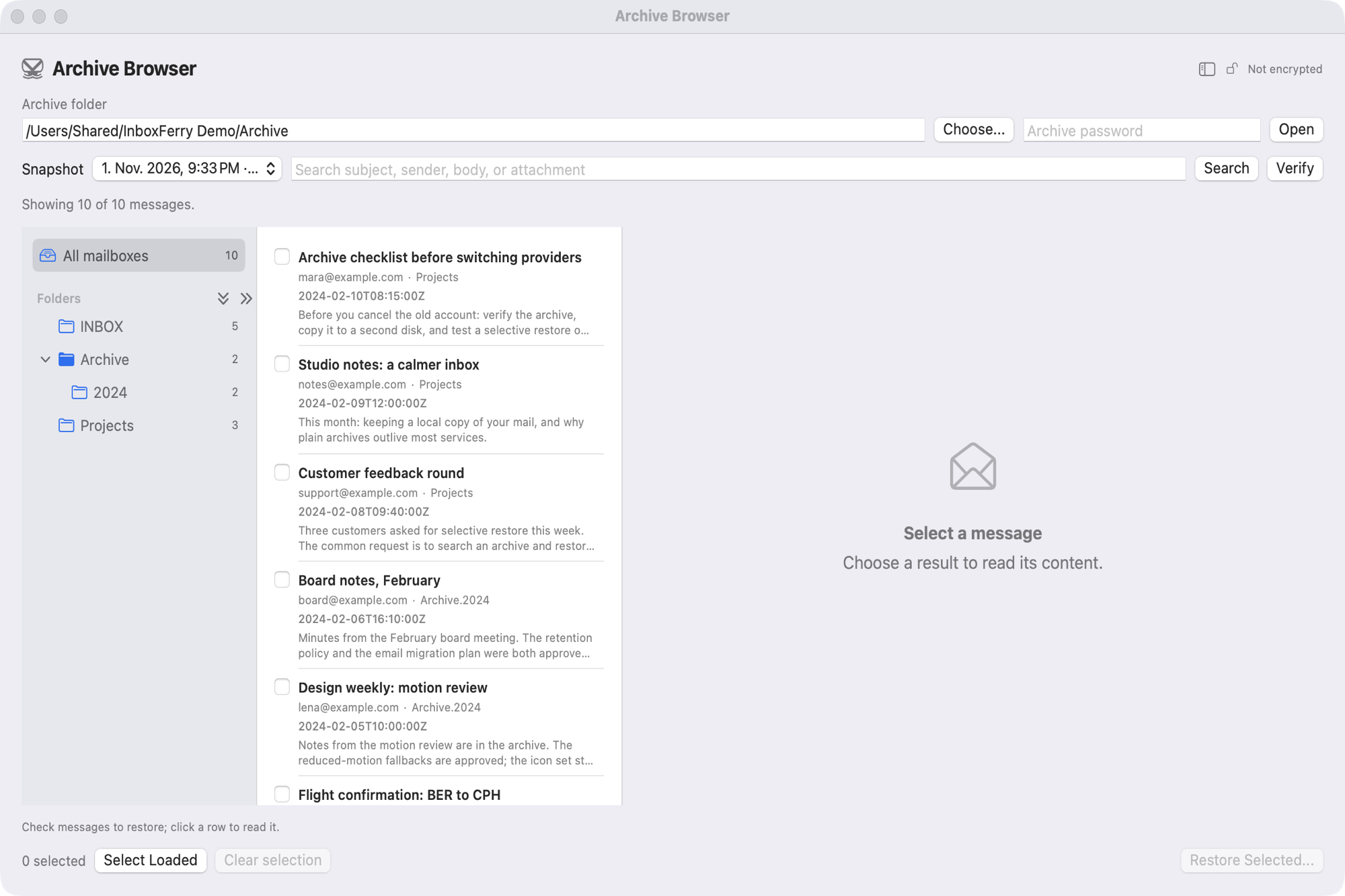
Open a backup read-only, filter by folder, search subject, sender, body, and attachments, and select only the messages you want to restore.